Contents
- What is FIDO2, in plain English?
- How does FIDO2 actually work?
- FIDO2, WebAuthn, passkeys, security keys — how they relate
- Why FIDO2 is safer than passwords and codes
- How to start using FIDO2
- FAQ
- Make the Right Choice for Your Privacy
You've probably seen the word "FIDO2" pop up when a site offers passkeys or asks about a security key — usually with no explanation of what it means. It sounds technical, but the core idea is simple, and it's quietly becoming the foundation of how we'll all log in. Here's what FIDO2 is, how it works, and why it's so much harder to attack than a password.
What is FIDO2, in plain English?
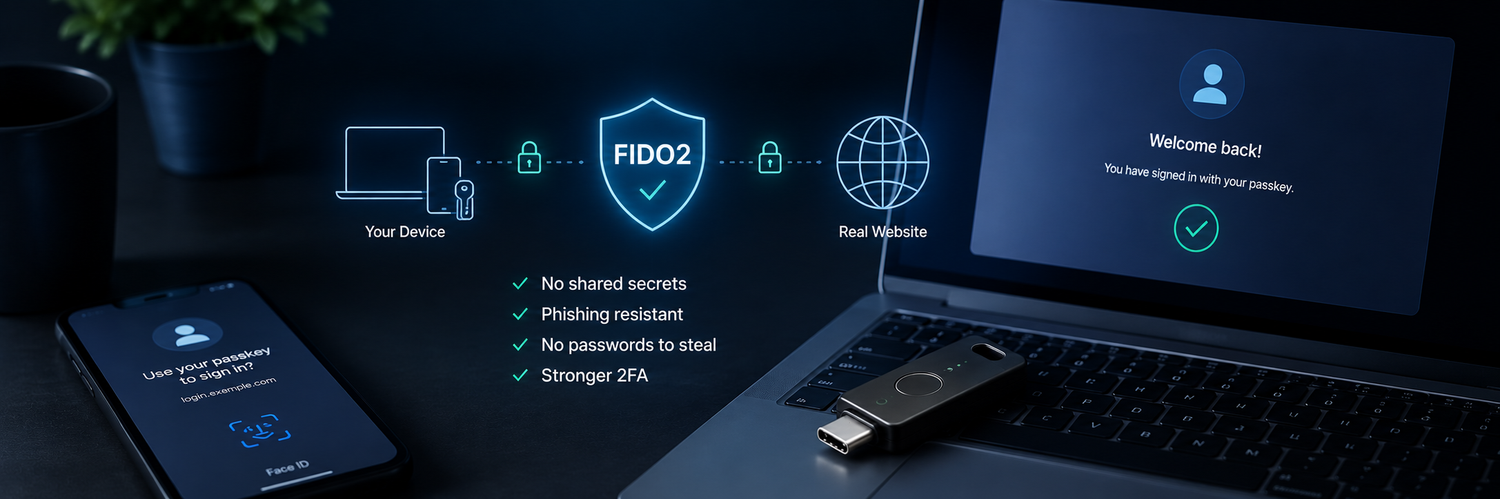
FIDO2 is an open authentication standard — a shared set of rules that websites and devices agree to follow — for logging in without sending a password over the internet. Instead of proving who you are with a secret you type (which can be stolen or guessed), FIDO2 proves it with a cryptographic key stored safely on your device or on a physical security key. "FIDO" stands for Fast Identity Online; the "2" is the current generation.
How does FIDO2 actually work?
The magic is something called public-key cryptography. When you register with a site:
- Your device creates a pair of keys — a private key that never leaves the device, and a public key it gives to the website.
- To log in, the site sends a challenge. Your device signs it with the private key, proving you hold it — without ever revealing it.
- The site checks the signature against your public key and lets you in.
The key insight: the website only ever stores your public key, which is useless to a thief. There's no shared password sitting on a server to be leaked in a breach.

FIDO2, WebAuthn, passkeys, security keys — how they relate
These terms get used interchangeably, but here's the clean version:
- FIDO2 is the overall standard.
- WebAuthn is the part of it that browsers and websites use to talk to your authenticator.
- A passkey is a FIDO2 credential stored on a device (often your phone) or synced through the cloud.
- A security key is a physical device that stores FIDO2 credentials in hardware you carry.
In short: passkeys and security keys are two ways of using the same FIDO2 technology — one software-based, one hardware-based.
Why FIDO2 is safer than passwords and codes
- Nothing to phish. There's no password or code to type into a fake page. The credential is tied to the real website's address and simply won't work on a lookalike site.
- Nothing to leak. Since sites store only your public key, a server breach can't expose a usable secret.
- Nothing to intercept. Unlike SMS codes, nothing sensitive travels over the phone network or the internet.
How to start using FIDO2
- Check your important accounts (email, banking, work) for a "passkey" or "security key" option in their security settings.
- Add a passkey for everyday convenience, or register a hardware security key for the strongest, device-independent protection.
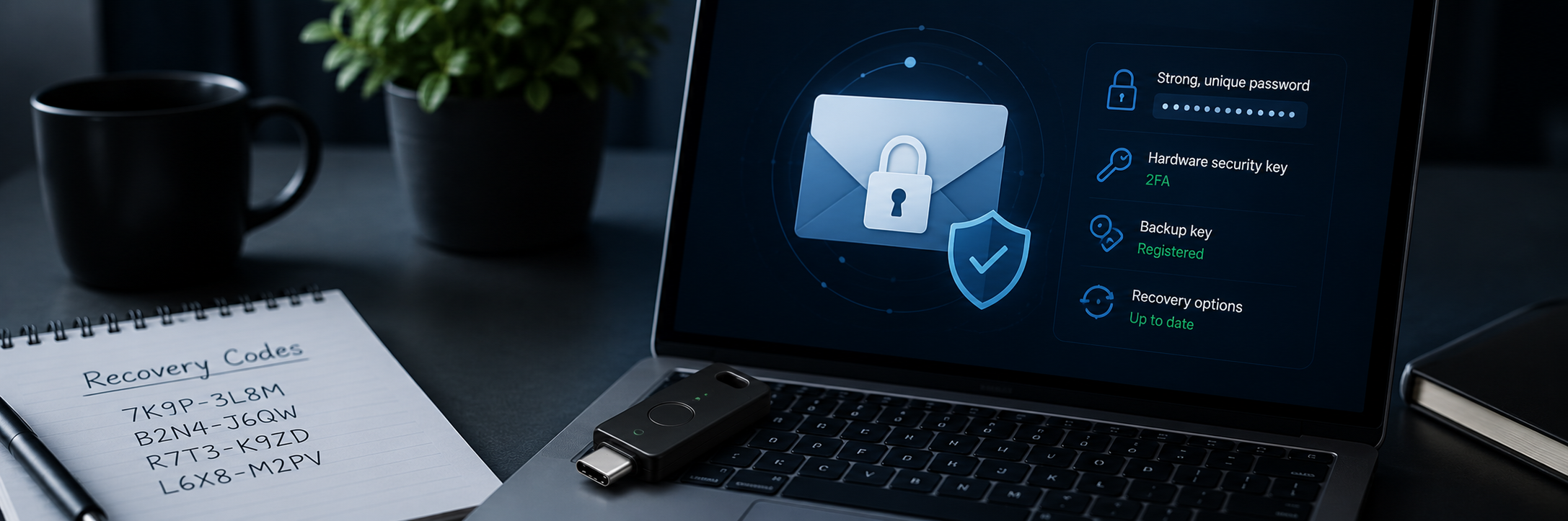
- Register a backup key so losing one never locks you out.
- Keep offline recovery codes as a final safety net.
FAQ
-
Do I need any special software to use FIDO2?
No. FIDO2 is built into modern browsers and operating systems, so a standard security key or passkey works directly with supported sites — no extra app required. -
Is a passkey the same as a security key?
Both use FIDO2. A passkey is software-based and often tied to a device or cloud; a security key is physical hardware that works across devices and isn't bound to a phone. -
What happens if I lose my FIDO2 security key?
As long as you registered a backup key or recovery method, you sign in with the backup and remove the lost key. Registering two keys from the start is recommended. -
Which accounts support FIDO2?
A growing list — Google, Microsoft, Apple, GitHub, and many others. Look for "passkey" or "security key" in each account's security settings.
Make the Right Choice for Your Privacy
FIDO2 removes the weakest link in security — the shared secret that can be phished, guessed, or leaked. A hardware security key puts that protection in your hand: nothing to type, nothing to intercept, and nothing on any server for attackers to steal. Add one to your most important accounts, keep a backup key in reserve, and log in with confidence that a fake page or a data breach can't touch you.