
Do You Still Need a Password in a Passwordless World?
Quick answer: Not for much longer on your major accounts — but yes, for now. Passkeys have become the default on big platforms, yet most of the web still relies on passwords, and even passwordles...

Where to Store Passwords When You Travel
Quick answer: When you travel, the safest way to carry passwords is offline and access-controlled — not in plain notes, browser autofill on shared computers, or a screenshot in your photos. Keep ...
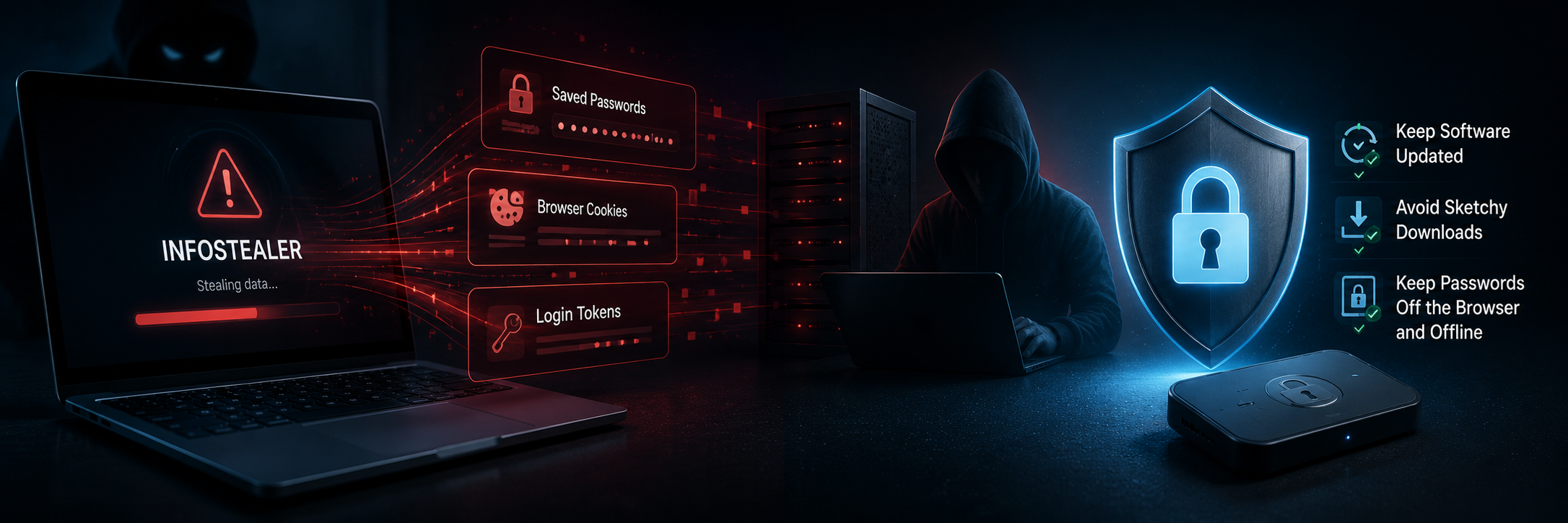
What Is an Infostealer, and How Do You Protect Yourself? (2026)
Quick answer: An infostealer is malware that quietly harvests saved passwords, browser cookies, and login tokens from an infected device and sends them to attackers — often with no visible sign. ...
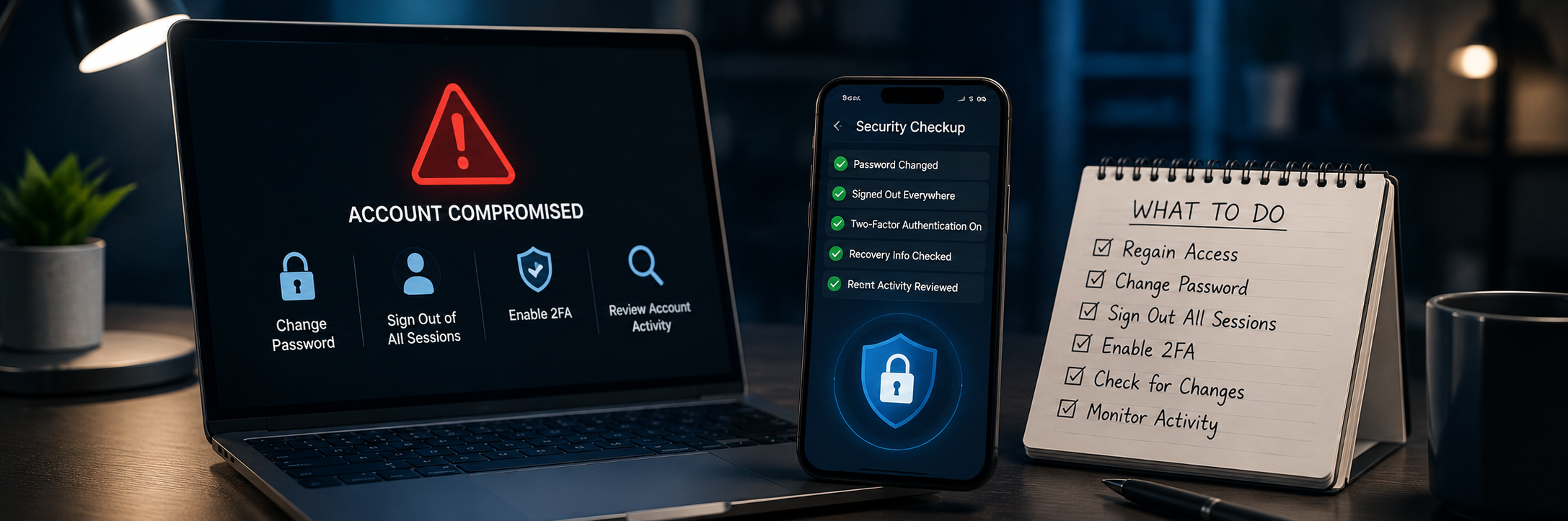
What to Do If Your Account Gets Hacked
Quick answer: If your account is hacked, act fast: regain access and change the password, sign out all other sessions, turn on strong two-factor authentication, and check for changes the attacker...
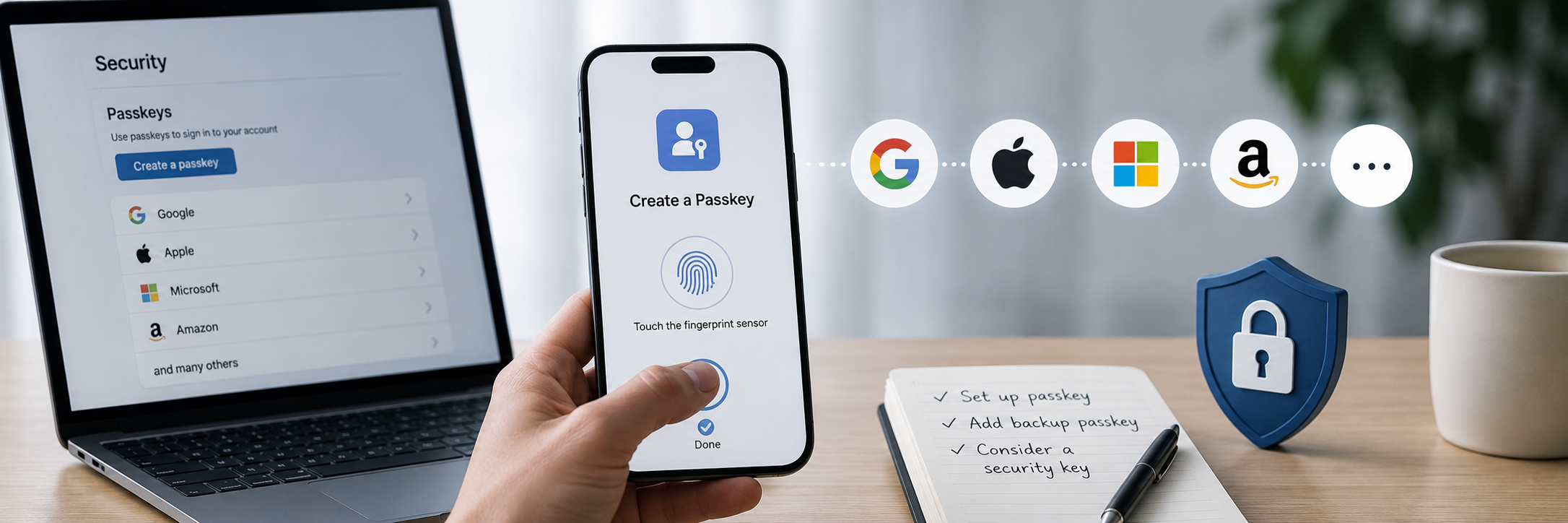
How to Set Up a Passkey (2026 Beginner's Guide)
Quick answer: To set up a passkey, go to an account's security settings (Google, Apple, Microsoft, Amazon and many others support them), choose "Create a passkey," and confirm with your device's ...
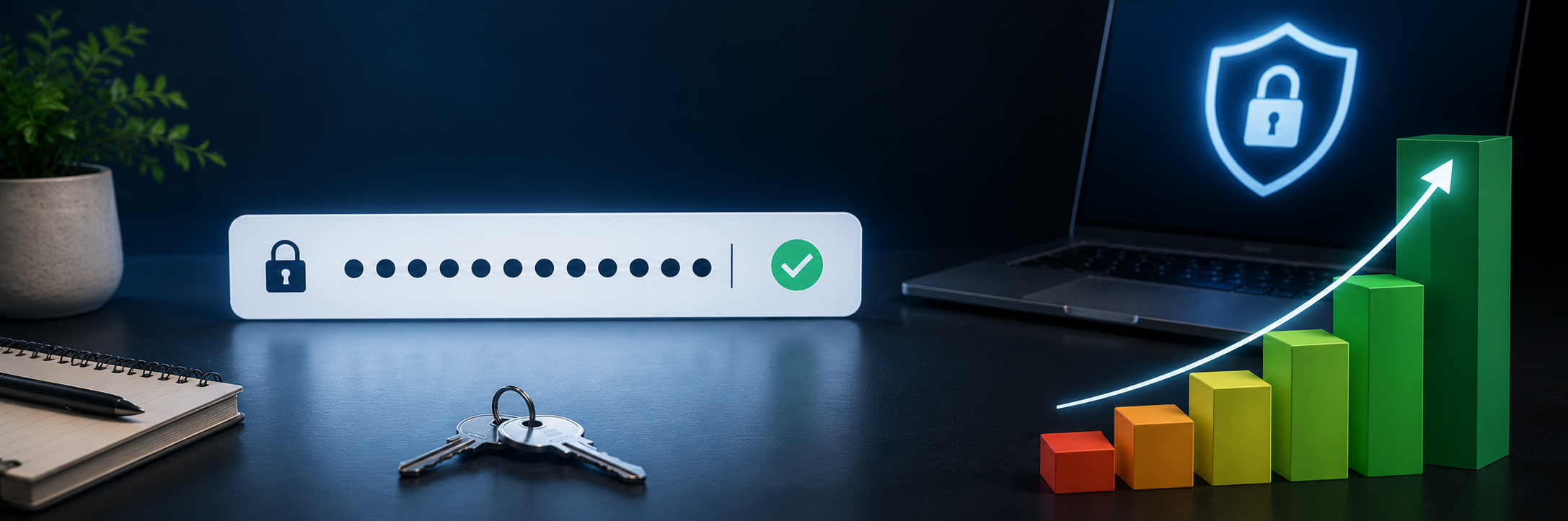
What Makes a Strong Password in 2026?
Quick answer: A strong password in 2026 is long (at least 12–16 characters), unique to one account, and unpredictable. Length matters more than complicated symbols — a modern GPU can crack a shor...
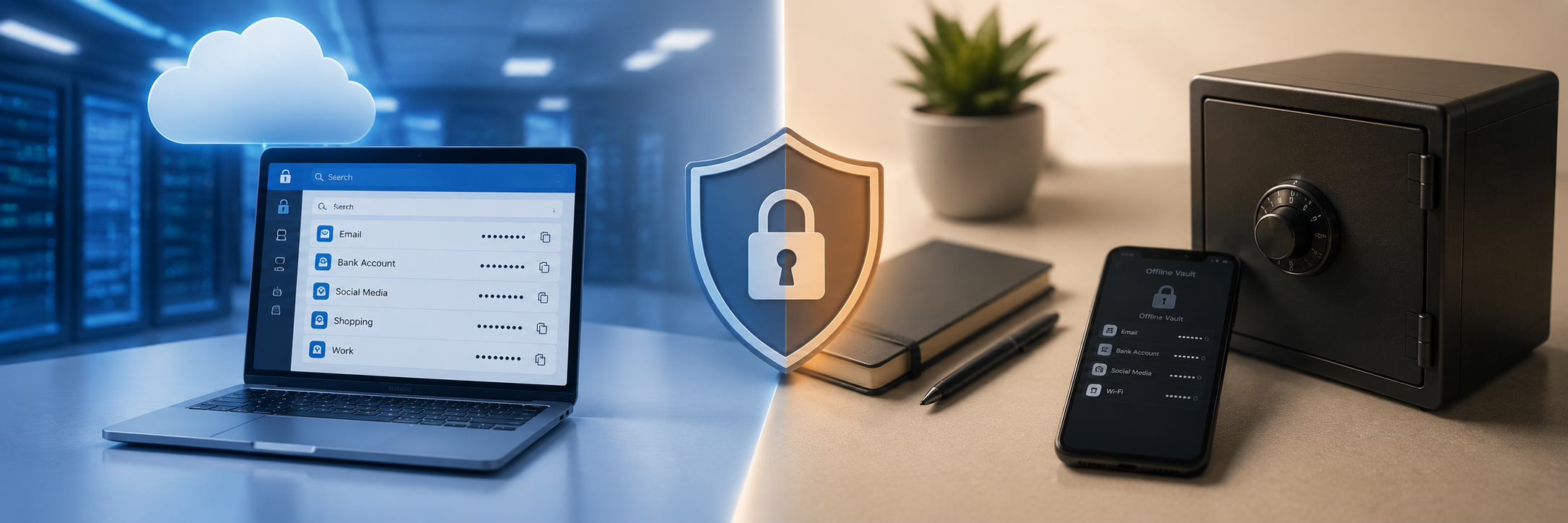
Are Password Managers Safe? Cloud vs. Offline (2026)
Quick answer: Yes — reputable password managers are one of the safest ways to handle passwords, using strong encryption and zero-knowledge design, and they're far better than reusing passwords. T...
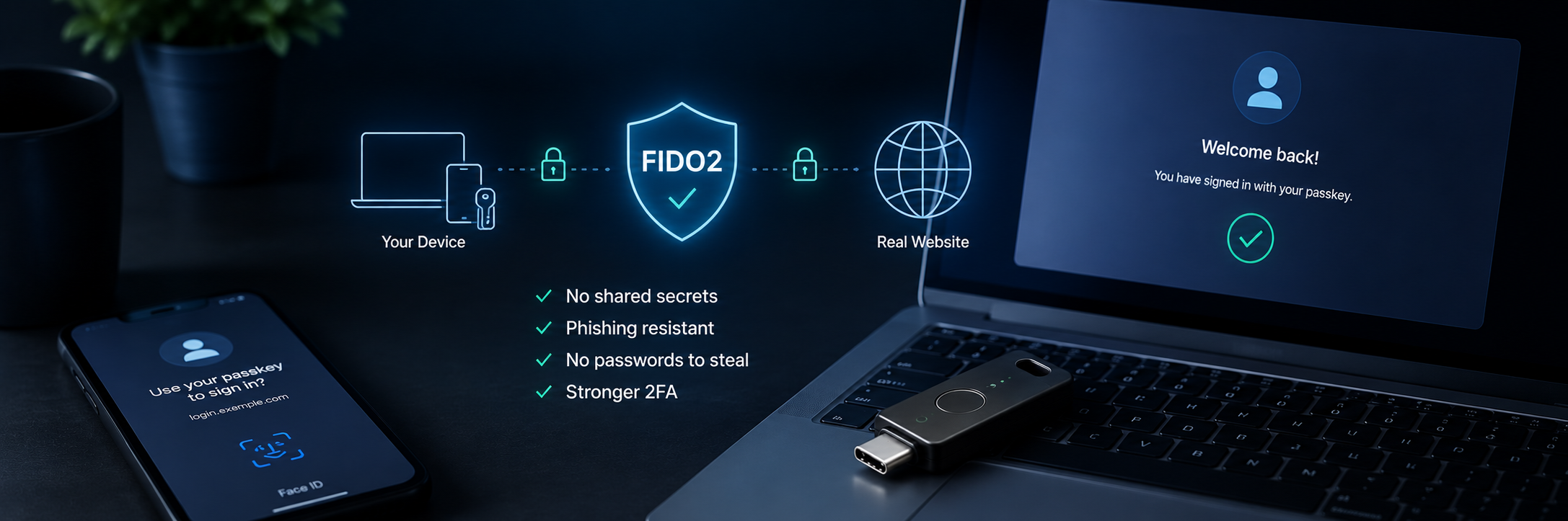
What Is FIDO2 and How Does It Work? (Plain-English 2026 Guide)
Quick answer: FIDO2 is an open standard that lets you log in without a password — or with a much stronger second factor — using cryptographic keys instead of shared secrets. It's what powers pass...
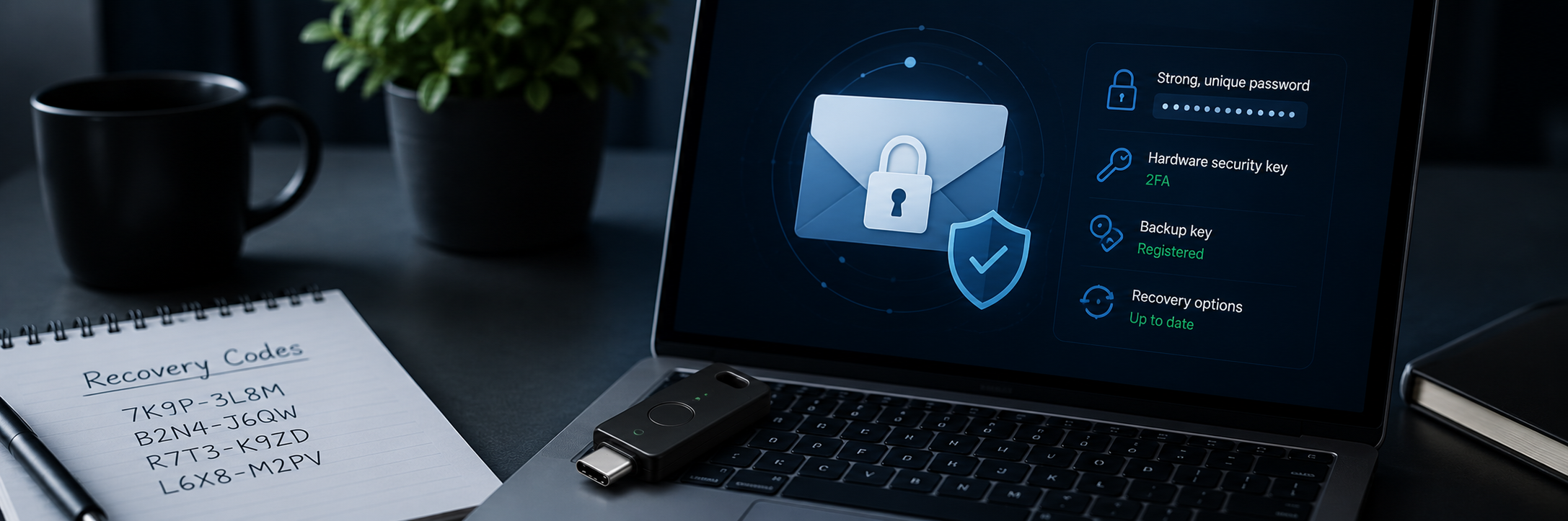
How to Secure Your Email Account in 2026 (Step-by-Step)
Quick answer: Your email is the master key to your digital life — whoever controls it can reset the password on almost every other account you own. Protect it with a strong, unique password, the ...