Contents
- Why your email is the account to protect first
- Lock it with a strong password and the right 2FA
- Set up recovery so you're never locked out
- Spot the signs your email is compromised
- FAQ
- Make the Right Choice for Your Privacy
If you only harden one account this year, make it your email. It's not just where your messages live — it's the recovery address for your bank, your social media, your shopping, and nearly everything else. Break into someone's email and you can quietly take over their entire online life. Here's how to make yours very hard to crack.
Why your email is the account to protect first
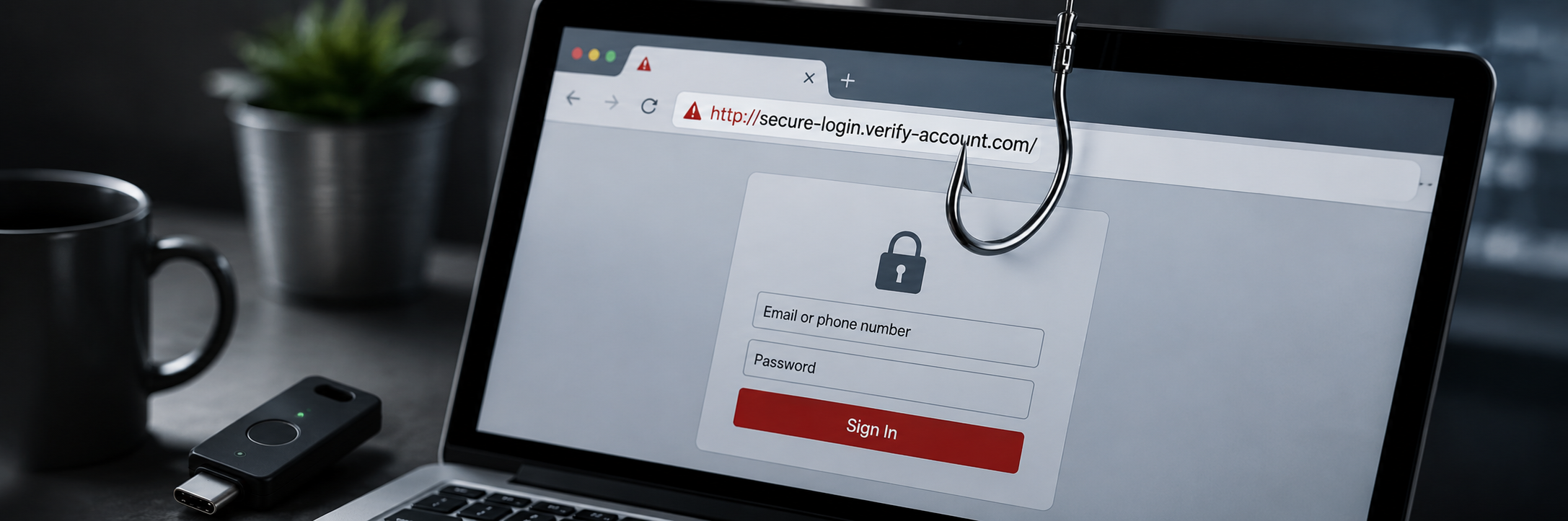
Think about what happens when you click "forgot password" on any website: a reset link goes to your email. That makes your inbox a single master key — protect it well and a leaked password elsewhere is contained; leave it weak and one break-in cascades into everything. This is why attackers prize email accounts above almost any other target.
Lock it with a strong password and the right 2FA
- Use a long, unique password that you don't use on any other account. If it's ever reused, one unrelated breach can expose your inbox.
- Turn on two-factor authentication — but choose the strongest method your provider offers.
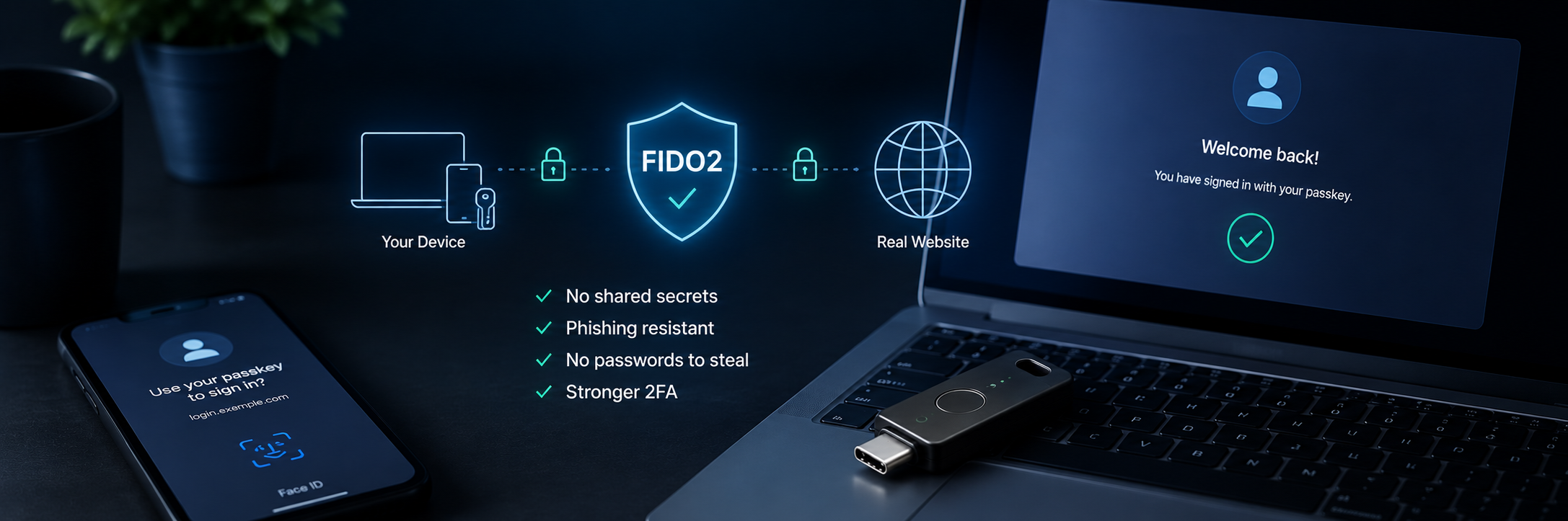
- Prefer a hardware security key over SMS. A physical key can't be SIM-swapped, intercepted, or phished; it's the strongest protection for the account that protects everything else.
- Avoid SMS codes as your primary factor where a stronger option exists — they're the easiest factor for a determined attacker to defeat.

Set up recovery so you're never locked out
Strong security is only useful if it doesn't lock you out. Build in a safety net:
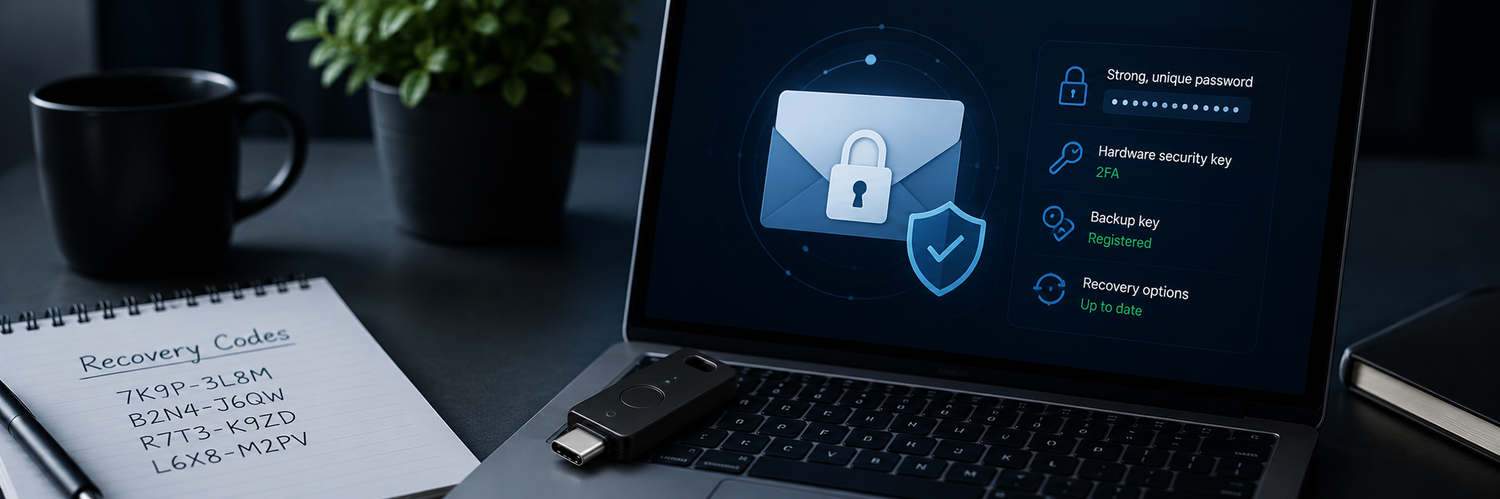
- Register a backup security key and keep it somewhere safe, so a lost key never means a lost inbox.
- Save your recovery codes offline — printed or on a device that isn't connected to the cloud. Don't email them to yourself; if you're locked out of that inbox, they're unreachable.
- Keep your recovery phone and secondary email current, and remove old ones you no longer control.
Spot the signs your email is compromised
Catch a break-in early by watching for:
- Password-reset emails you didn't request (often the first sign someone is targeting your other accounts).
- Sent messages or filters you didn't create — attackers often add rules to hide their activity.
- Login alerts from unfamiliar devices or locations.
- Being unexpectedly signed out. If you suspect compromise, change your password, sign out all sessions, and check your recovery settings and filters.
FAQ
-
What's the single most important step?
Adding strong 2FA — ideally a hardware security key — to your email. It's the account that guards all the others. -
Is SMS 2FA good enough for email?
It's better than nothing, but for your most important account, use a security key or authenticator app instead. SMS can be SIM-swapped or intercepted. -
Where should I keep my email recovery codes?
Offline and separate from the inbox — printed or on a device that isn't in the cloud. Never only inside the account you might be locked out of. -
How often should I review my email security?
Check your 2FA methods, recovery options, and filters a couple of times a year, and right after any breach involving a service you use.
Make the Right Choice for Your Privacy
Your inbox is the master key to everything else you own, so it deserves the strongest lock you can put on it: a hardware security key that can't be phished or SIM-swapped, a backup key so you're never locked out, and recovery codes kept offline — not in the very inbox you're trying to protect. Secure your email properly, and the rest of your digital life gets safer with it.