Contents
- What phishing looks like in 2026
- How to spot a phishing email or message
- How to spot a fake login page
- How to protect yourself even if you're fooled
- FAQ
- Make the Right Choice for Your Privacy
Phishing is still the most common way accounts get taken over — not because people are careless, but because the fakes have gotten very good. A convincing email, a login page that looks identical to the real one, a moment of urgency, and your password is in someone else's hands. Here's how to recognize the signs, and how to make yourself resilient even on a bad day.
What phishing looks like in 2026
Modern phishing rarely looks like the clumsy scams of a decade ago. Attackers now clone real login pages pixel-for-pixel, use lookalike web addresses, and even relay your login in real time so they can capture your password and your one-time code together. The goal is always the same: get you to type a secret into a page that isn't what it appears to be.
How to spot a phishing email or message
- Check the real sender address, not just the display name. Hover or tap to reveal the actual domain — lookalikes and extra words are red flags.
- Be suspicious of urgency. "Your account will be closed," "verify immediately," "unusual login" — pressure is designed to make you act before you think.
- Hover over links before clicking to see where they really go. If the address doesn't match the real company, don't click.
- Don't trust unexpected attachments or login prompts, even from names you recognize — sender names are easy to fake.
- When in doubt, go direct. Type the company's address yourself or use your saved bookmark instead of clicking the message.

How to spot a fake login page
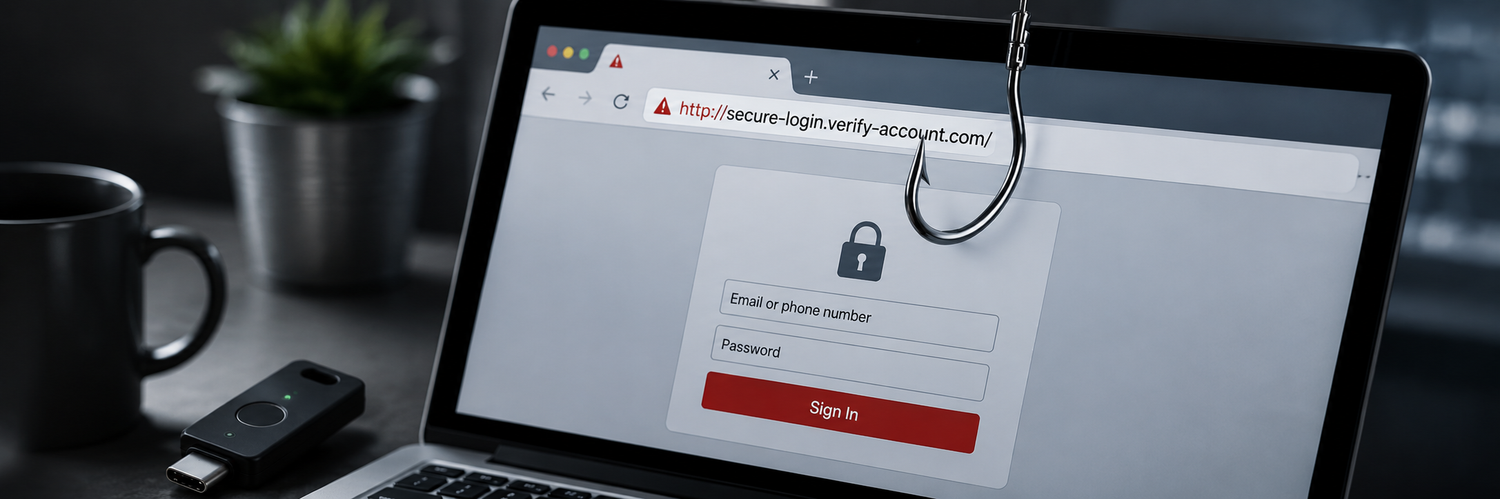
- Read the web address carefully. Fakes use misspellings, extra words, or different endings (e.g. a brand name followed by an unfamiliar domain).
- Don't rely on the padlock alone. A page can be encrypted and still be fake — the lock means the connection is private, not that the site is legitimate.
- Notice if you arrived by clicking a link rather than typing the address. That's the moment to slow down and verify.
- Watch for pages asking for more than usual — your password plus your 2FA code plus personal details all at once.
How to protect yourself even if you're fooled
Everyone has an off day, so the best protection doesn't depend on spotting every fake:
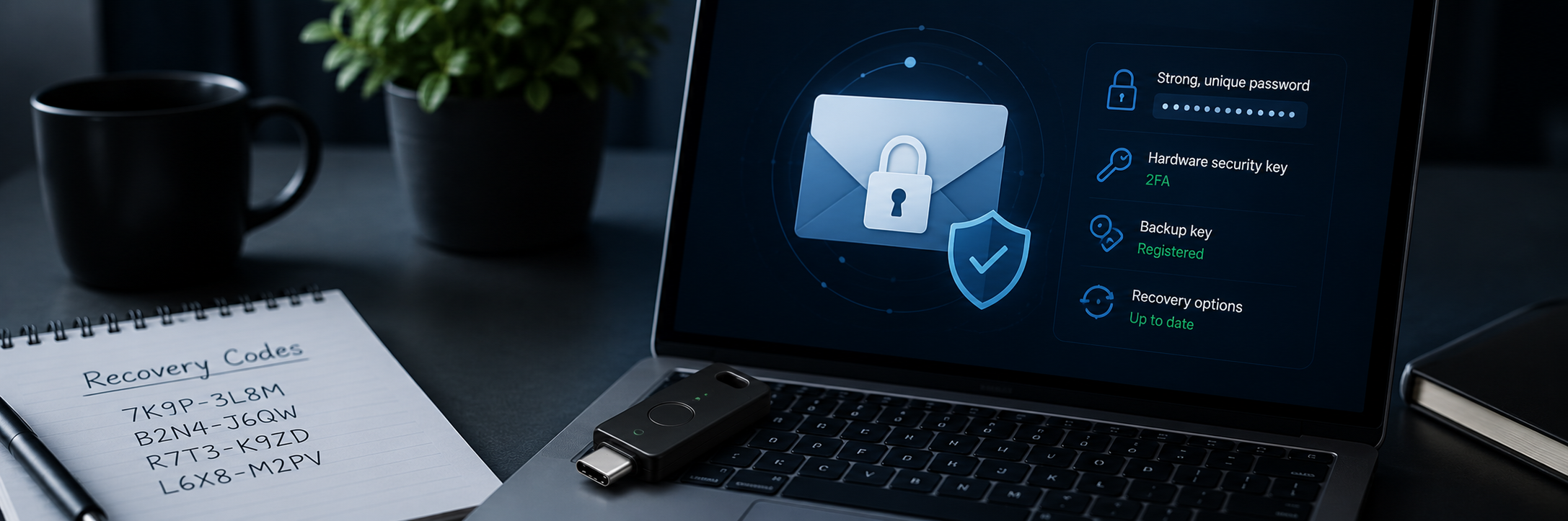
- Use a hardware security key. A FIDO2 key checks the real web address before it approves a login, so it simply won't work on a fake page — even if you're completely convinced. This is the one defense that stops phishing at the source.
- Use unique passwords. If you do get phished, a password that's used nowhere else limits the damage to that single account.
- Let saved logins be a hint. If your password manager doesn't offer to fill a login it normally fills, the address may be wrong — a quiet warning that you're on a fake page.
- Report and change fast. If you suspect you entered credentials on a fake site, change that password immediately and check the account for changes.
FAQ
-
Can a website be a scam even if it has a padlock / "https"?
Yes. The padlock only means the connection is encrypted, not that the site is trustworthy. Always check the address itself. -
Does 2FA protect me from phishing?
It helps, but SMS and app codes can still be captured by real-time phishing. A hardware security key is the only common method that phishing can't defeat, because it verifies the genuine site. -
I think I entered my password on a fake page — what now?
Change that password immediately (and anywhere you reused it), enable stronger 2FA, and review the account for unfamiliar changes. -
How can a security key stop phishing if I'm the one being tricked?
The key is tied to the real website's address. On a fake lookalike site, the addresses don't match, so the key refuses to authenticate — protecting you even when you don't notice the fake.
Make the Right Choice for Your Privacy
Phishing works by catching you at the wrong moment — so real protection shouldn't rely on catching every fake. A hardware security key won't authenticate on a counterfeit site no matter how convincing it looks, and unique passwords keep a single slip from spreading. Add a key to your important accounts, keep every password different, and phishing loses its power over you.