
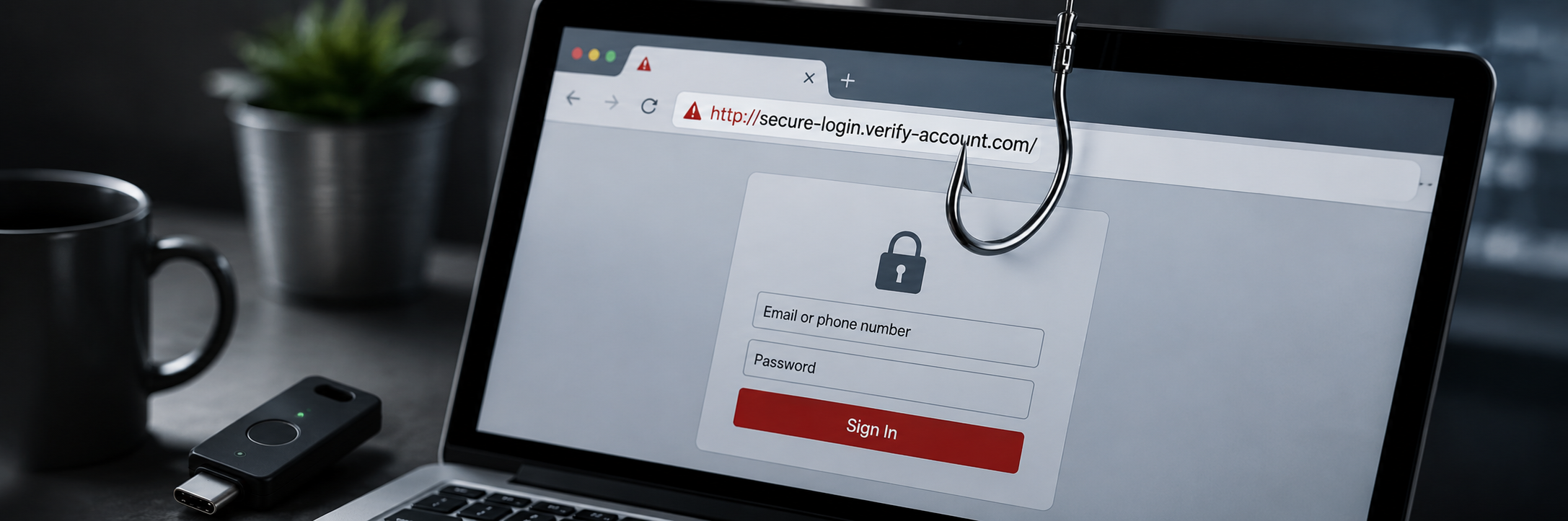
How to Spot a Phishing Email or Fake Login Page (2026)
Quick answer: Phishing tricks you into entering your password or verification code on a fake page. Spot it by checking the real sender address, hovering over links before clicking, and distrustin...
How to Stop Reusing the Same Password Everywhere
Quick answer: Reusing one password means a single leak can unlock all your accounts — attackers take a breached password and try it everywhere ("credential stuffing"). The fix isn't memorizing do...
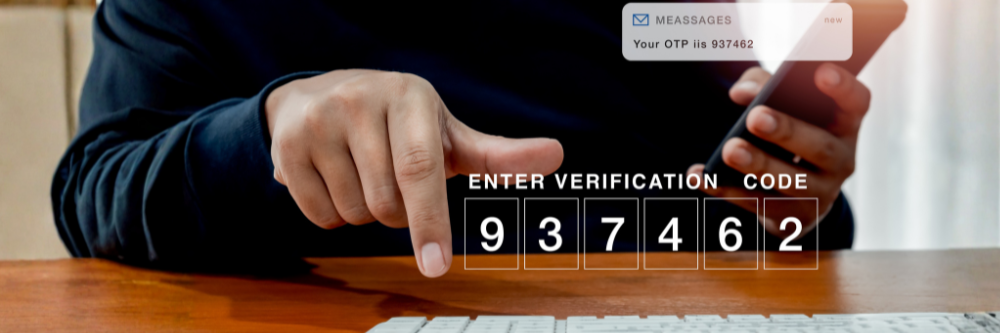
Is SMS Two-Factor Authentication Safe in 2026? What to Use Instead
Quick answer: SMS two-factor authentication is far better than no 2FA — but in 2026 it's one of the weakest methods still in wide use, vulnerable to SIM swapping and interception. In late 2024, t...

Where Should You Store Crypto Seed Phrases and Recovery Codes? (2026)
Quick answer: Never store a crypto seed phrase or account recovery codes in the cloud, in a screenshot, in email, or in a browser — those are exactly what attackers and malware target. Keep them ...
Set Up a Backup Security Key Before You Get Locked Out (2026 Step-by-Step)
Quick answer: A backup security key is a second physical key you register alongside your main one, so losing or breaking the first never locks you out. Set both up at the same time in each accoun...
How to Recover Your Account If You're Locked Out (2026 Guide)
Quick answer: If you're locked out, first try a backup sign-in method you set up earlier — a second passkey on another device, a saved backup code, a spare security key, or a trusted device. If y...

Is It Safe to Save Passwords in Your Browser? How to Check and Fix It (2026)
Quick answer: Saving passwords in your browser is convenient and fine for low-risk logins, but it has real weaknesses: anyone with access to your unlocked device can view them, and "infostealer" ...

Passkeys vs. Security Keys: How to Choose the Right One in 2026
Quick answer: A passkey is a digital login credential stored on a device or in the cloud — often your phone. A security key is a physical device you plug in or tap. Passkeys are great for everyda...

How to Check If Your Passwords Have Been Leaked (2026 Step-by-Step Guide)
Quick answer: The fastest way to find out is to check your email address at a free breach-monitoring service like Have I Been Pwned. If your address shows up, change that password everywhere you'...