Contents
- Is SMS 2FA safe? The honest answer
- How attackers bypass SMS codes
- What to use instead (ranked)
- How to upgrade your 2FA (step-by-step)
- FAQ
- Make the Right Choice for Your Privacy
For years, getting a code by text was how most of us added a second layer of security to our accounts — and it genuinely helped. But the ground has shifted. Security agencies now actively warn against relying on SMS codes, and attackers have made a routine business of getting around them. Here's an honest look at where SMS 2FA still helps, where it fails, and what to switch to.
Is SMS 2FA safe? The honest answer
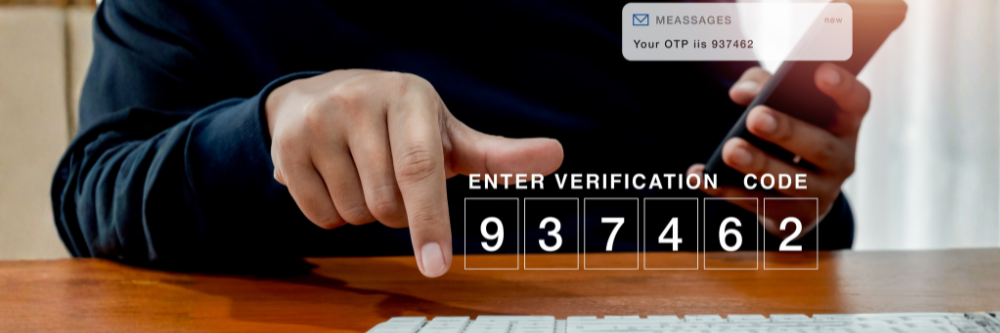
It's nuanced. SMS 2FA blocks virtually all automated attacks — if your password leaks, a bot can't get in without your code. For a low-risk account facing opportunistic attackers, that's meaningful protection, and any 2FA is far better than none.
The problem is targeted attacks. Against someone specifically after you — or your crypto, your business email, your bank — SMS is the easiest factor to defeat. That's why, in late 2024, the FBI and CISA advised the public to stop using SMS as a second factor, and why security teams now treat it as a fallback of last resort.
How attackers bypass SMS codes
- SIM swapping. An attacker convinces your mobile carrier to move your number to their SIM. Every code then goes to them. This is the most common method and has drained millions from victims.
- SS7 interception. The aging protocol that routes texts has no real encryption, letting well-resourced attackers intercept messages remotely.
- Real-time phishing. A fake login page captures your password and your SMS code as you type them, then uses both instantly.

What to use instead (ranked)
From strongest to weakest:
- Hardware security key (best). A physical FIDO2 key verifies the real website before approving a login, so it can't be phished, intercepted, or SIM-swapped. It's the only method with essentially zero phishing success at scale.
- Passkey. Similar cryptographic protection with phone-unlock convenience; ideal for everyday accounts.
- Authenticator app (TOTP). Generates codes on your device with no phone network involved, so SIM swapping is irrelevant. A big step up from SMS, though codes can still be phished in real time.
- SMS (last resort). Use it only where nothing stronger is offered — never skip 2FA just because SMS is imperfect.
How to upgrade your 2FA (step-by-step)
- Start with your most important accounts — email first, since it's the recovery point for everything else, then banking and crypto.
- Add a stronger method in each account's security settings: register a security key, or set up an authenticator app.
- Save backup codes offline before you change anything, so you always have a way back in.
- Test the new method, then remove SMS as the primary factor.
- Add a backup security key and store it safely, so losing one key never locks you out.
FAQ
-
Should I turn off SMS 2FA completely?
Only after you've set up a stronger method and confirmed it works. If a service offers nothing but SMS, keep it — it still beats password-only. -
Is an authenticator app enough, or do I need a security key?
An app is a big improvement and fine for most accounts. For your highest-value accounts, a hardware key adds full phishing resistance that apps can't match. -
Why is SMS singled out when app codes can also be phished?
Because SMS adds whole extra attack channels — SIM swapping and carrier-level interception — that app codes and security keys avoid entirely. -
What if I lose my security key?
Register a backup key in advance and keep offline recovery codes. That way a lost key is an inconvenience, not a lockout.
Make the Right Choice for Your Privacy
SMS did its job in a simpler era, but your most important accounts now deserve protection that can't be SIM-swapped, intercepted, or phished. A hardware security key verifies the real site before it ever approves a login — the strongest second factor you can use — and a backup key kept safely means you're never locked out. Upgrade the accounts that matter, and leave SMS behind.