Last updated: [ 2026 / 7 / 30 ]
Contents
- What actually makes a password strong?
- The myths that make passwords weaker
- How to create strong passwords you don't have to memorize
- Where to keep them safe
- FAQ
- Make the Right Choice for Your Privacy
Everyone knows they "should" use strong passwords, but the advice we all grew up with — swap an "a" for an "@," add a number, done — hasn't kept up with how passwords actually get cracked today. Here's what genuinely makes a password strong in 2026, which old rules to drop, and how to do it without straining your memory.
What actually makes a password strong?
Three things, in order of importance:
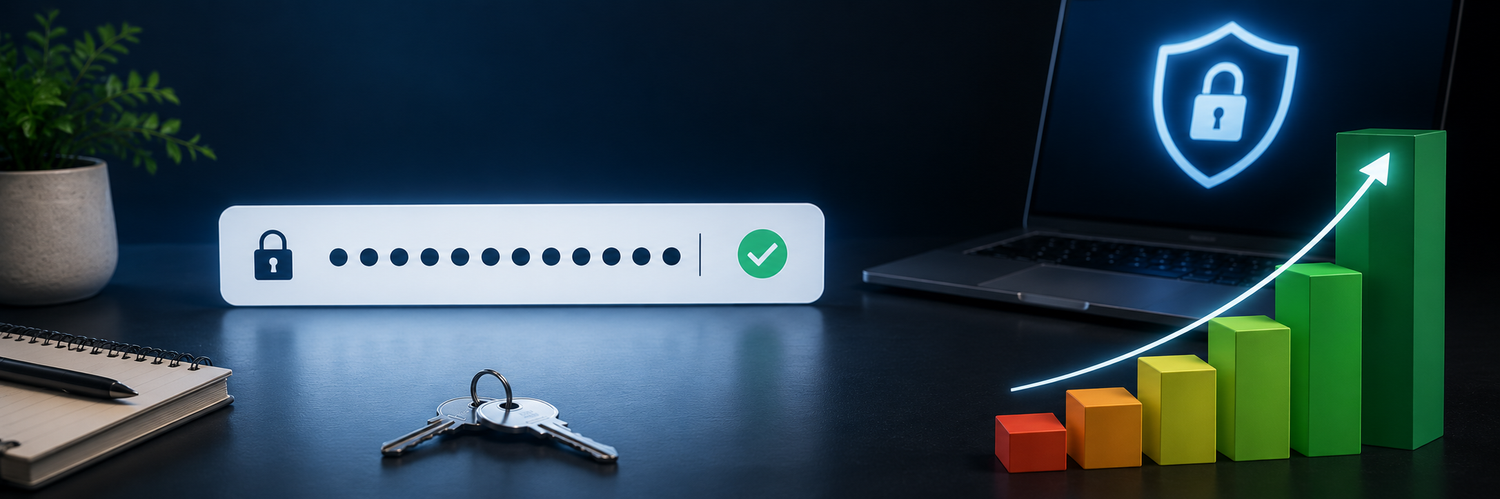
- Length. This is the big one. Each extra character multiplies the effort to crack it. A modern graphics card can chew through a short password in minutes, but a long one becomes impractical to brute-force. Aim for at least 12–16 characters.
- Uniqueness. A password used on only one account means a leak anywhere else can't touch it. This matters as much as strength.
- Unpredictability. Avoid names, dates, and common words or patterns that appear in the wordlists attackers run first.
The myths that make passwords weaker
- "Complexity beats length." Not really. A long passphrase of random words is stronger and easier to handle than a short string of symbols.
- "Change your password every month." Forced frequent changes usually push people toward weak, predictable variations. A strong, unique password you keep is better than a weak one you rotate.
- "Swapping letters for symbols fools attackers." Cracking tools already know every "P@ssw0rd"-style substitution.
How to create strong passwords you don't have to memorize
- Use a generator to create long, random passwords — stronger than anything you'd invent, and you never type them from memory.
- Give every account its own, so a single leak stays contained.
- Memorize just one thing well: a strong master password (or passphrase) that protects where the rest are stored.
- Add a security key or 2FA to important accounts, so even a leaked password isn't enough on its own.

Where to keep them safe
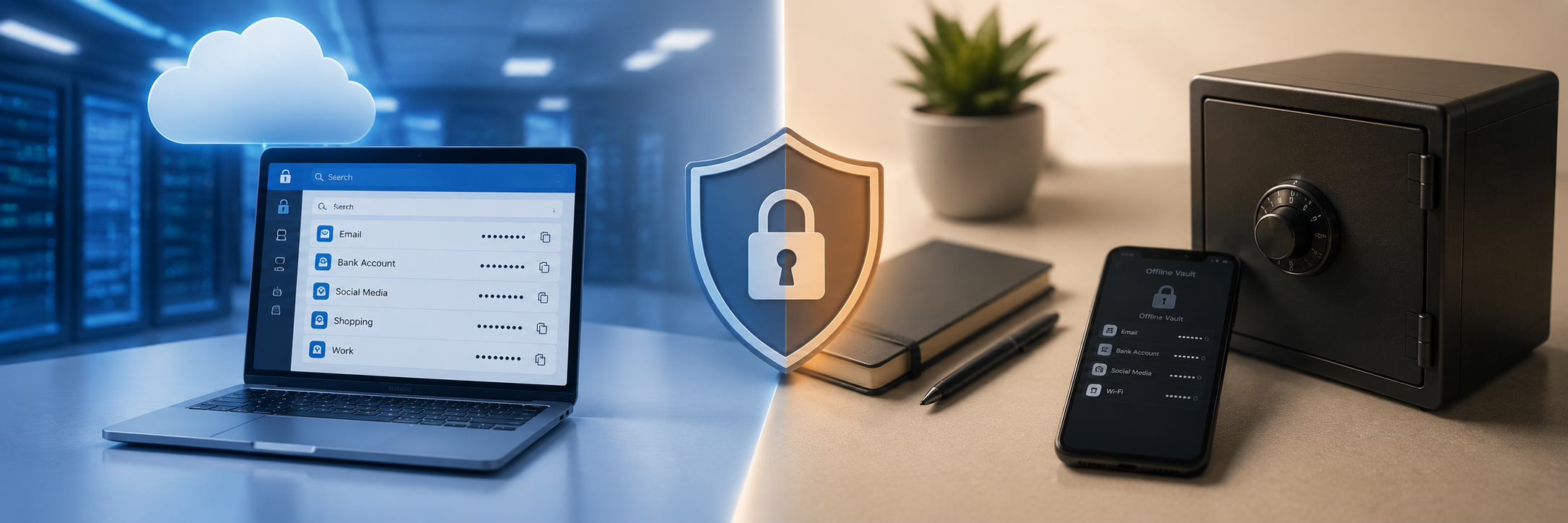
Strong, unique passwords only work if you have a trustworthy place to store them. Match the storage to the value of the account: everyday logins can live in a manager for convenience, while your most sensitive credentials — email, banking, crypto — are safest kept offline, on a device isolated from your browser and the cloud, where breaches and malware can't reach them.
FAQ
-
How long should my password be?
At least 12–16 characters. Longer is stronger, and length beats complicated symbols for resisting cracking. -
Are passphrases (several random words) safe?
Yes — a long string of unrelated words is both strong and easier to handle than a short symbol soup, as long as the words are genuinely random. -
Do I still need strong passwords if I use passkeys?
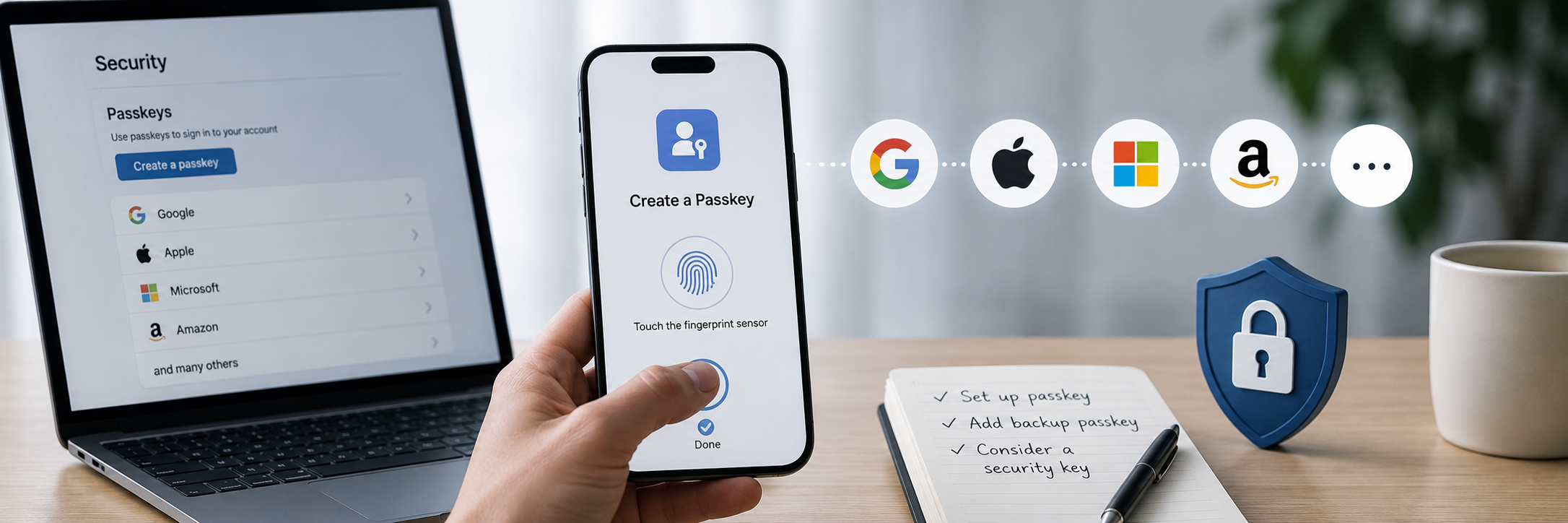
Yes. Many sites don't support passkeys yet, and you still need a strong master password to protect where your credentials are stored. -
Should I change my passwords regularly?
Only if there's a reason (a breach, or a weak/reused password). A strong, unique password doesn't need routine rotation.
Make the Right Choice for Your Privacy
A strong password is long, unique, and unpredictable — but its real strength depends on where it lives. Let a generator do the hard part, give every account its own, and keep your most sensitive passwords offline on a device only you can unlock, out of reach of cloud breaches and malware. Strong passwords, safely stored, are the foundation everything else is built on.