Last updated: [2026 / 8 / 5]
Contents
- How to tell if you've actually been hacked
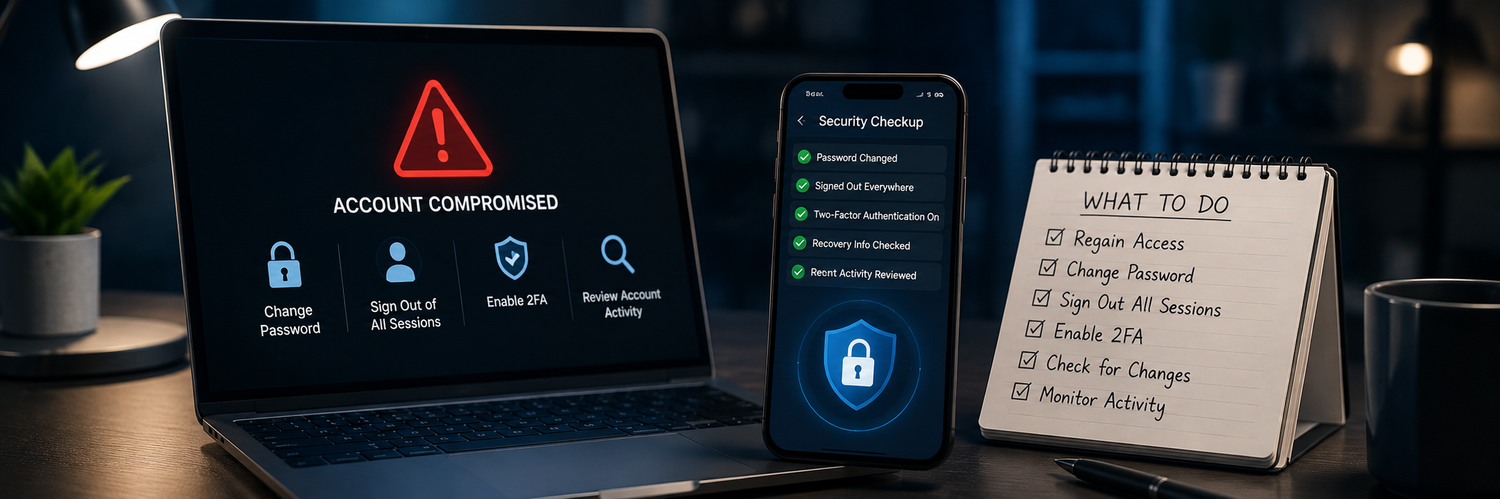
- The first hour: what to do immediately
- Undo what the attacker changed
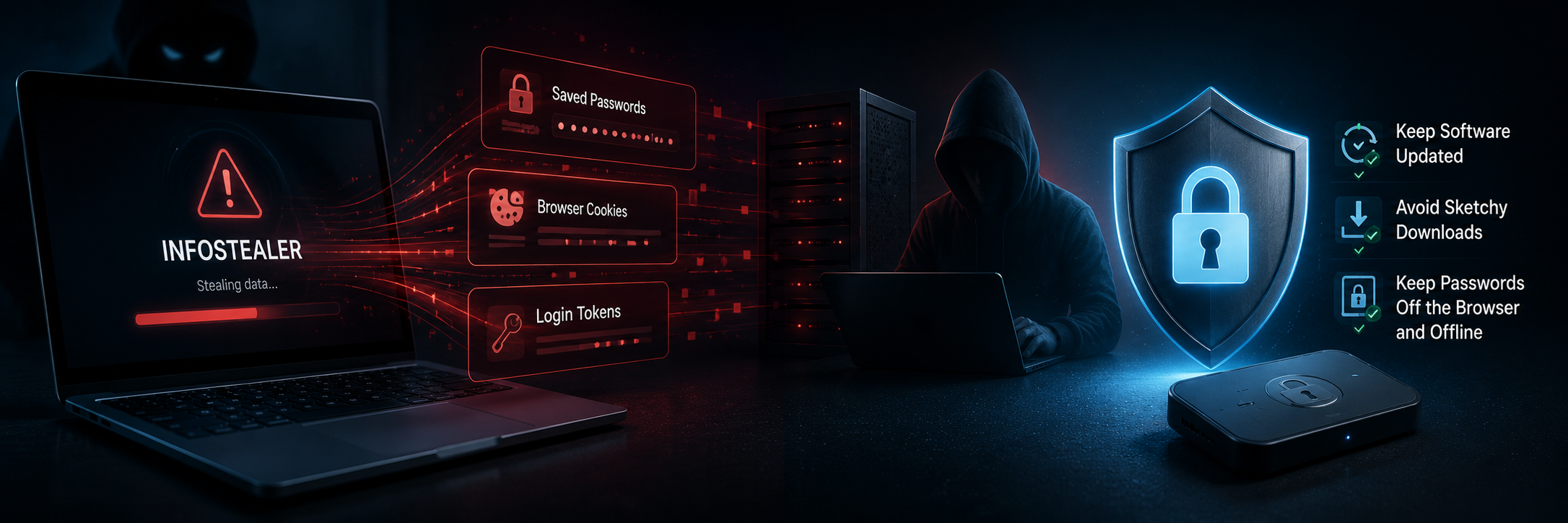
- How to make sure it doesn't happen again
- FAQ
- Make the Right Choice for Your Privacy
Discovering that an account has been hacked is stressful — but the first hour matters more than the panic. Moving quickly and in the right order can stop a single compromised account from spreading to your email, your money, and your identity. Here's exactly what to do, step by step.
How to tell if you've actually been hacked
Common signs include: login alerts from places you've never been, password-reset emails you didn't request, messages sent from your account that you didn't write, being unexpectedly logged out, or friends reporting strange messages from you. Any one of these is worth acting on — it's better to over-react than to wait.
The first hour: what to do immediately
- Secure your email first. It's the recovery point for everything else — if it's compromised, everything is at risk. Regain access and lock it down before anything else.
- Change the password on the affected account (and your email). Use a new, unique one.
- Sign out all other sessions/devices — most services have a "log out everywhere" option to kick the attacker out.
-
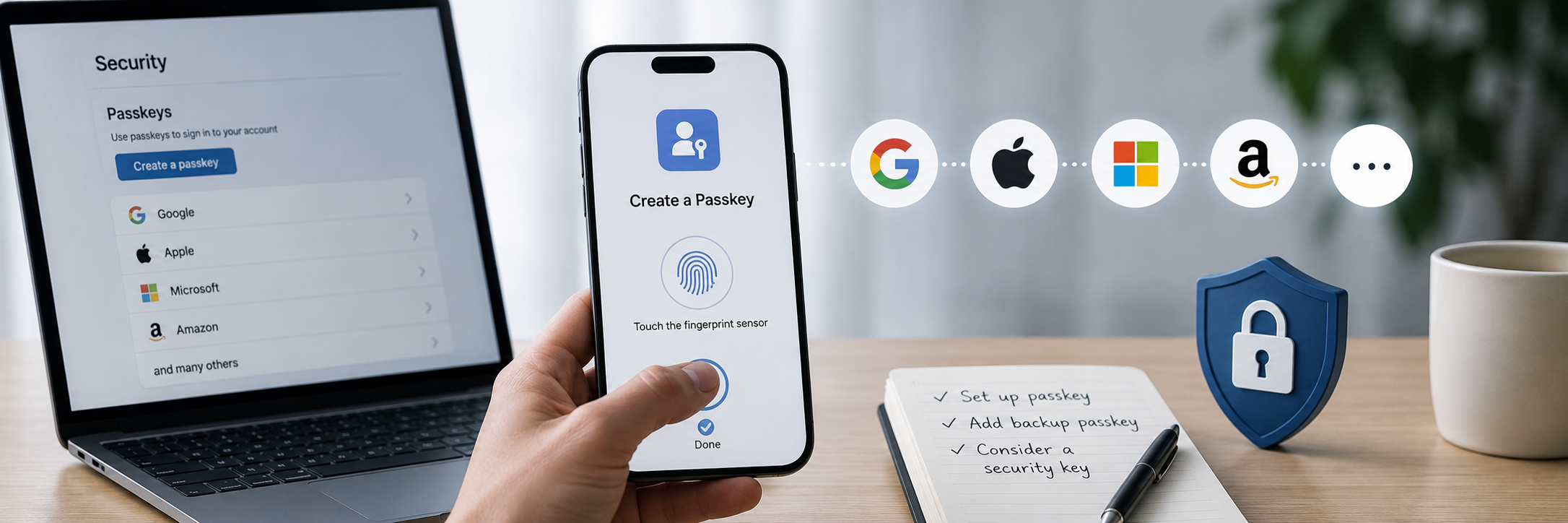
Turn on strong two-factor authentication — ideally a hardware security key — so a stolen password can't get anyone back in.

Undo what the attacker changed
Attackers often plant changes so they can get back in even after you reset the password. Check and reverse:
- Recovery email and phone number — remove any you don't recognize.
- Email forwarding rules and filters — a common trick to quietly copy your messages or hide alerts.
- Connected/authorized apps — revoke anything unfamiliar.
- Changed passwords elsewhere — if the hacked account is your email, assume other accounts are at risk and reset the important ones.
How to make sure it doesn't happen again
- Unique passwords everywhere, so one breach can't cascade.
- A hardware security key on your important accounts — phishing-resistant and immune to stolen passwords alone.
- Recovery codes stored offline, not inside the account you might lose.
- Check whether your data was in a breach, and change anything exposed.
FAQ
-
What should I do first if I'm hacked?
Secure your email before anything else — it controls password resets for your other accounts — then change passwords and sign out all sessions. -
The hacker changed my password and I can't get in. Now what?
Use the service's account-recovery flow. Recovery is much faster if you set up backup methods (a security key, recovery codes) beforehand. -
How do I stop them coming back after I reset my password?
Check for changes they made — recovery email/phone, forwarding rules, connected apps — and turn on strong 2FA. Just changing the password often isn't enough. -
Should I tell anyone?
Warn contacts if messages were sent from your account, and notify your bank if any financial account was involved.
Make the Right Choice for Your Privacy
A hack is far less damaging when your accounts are compartmentalized: unique passwords so one breach can't spread, a hardware security key so a stolen password alone can't get in, and recovery codes kept offline where an attacker in your inbox can't reach them. Recover fast, close the gaps, and make the next attempt hit a wall.